Shortcut trainer for iPhone & iPad
Learn shortcuts
by heart.
1,050 shortcuts for 15 tools including VSCode, Vim, Excel, Notion and Slack. Five minutes of multiple-choice quizzes a day, from Basics to Advanced — until your fingers move before you think.
- tools
- 15tools
- shortcuts
- 1,050shortcuts
- levels
- 3levels
- min/day
- 5min/day
Try it
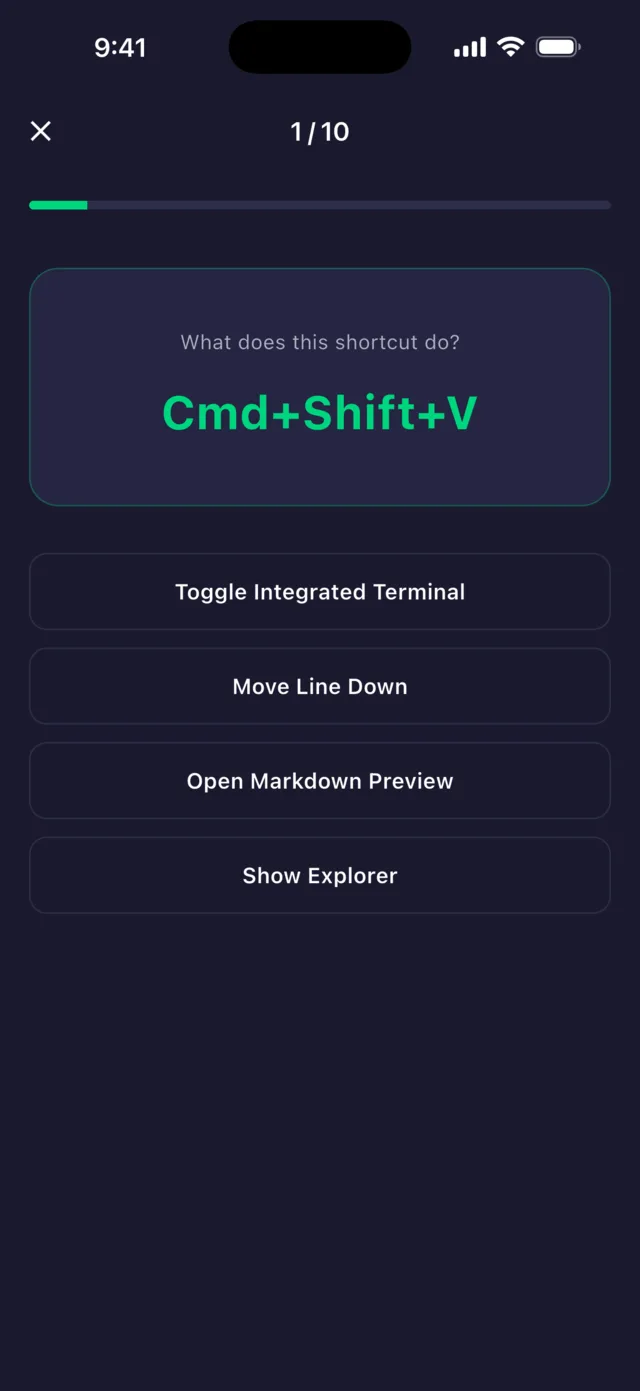
What does this shortcut do?
Three questions from the VSCode (Mac) Basics deck — the same quiz as in the app.
How it works
Three steps to muscle memory
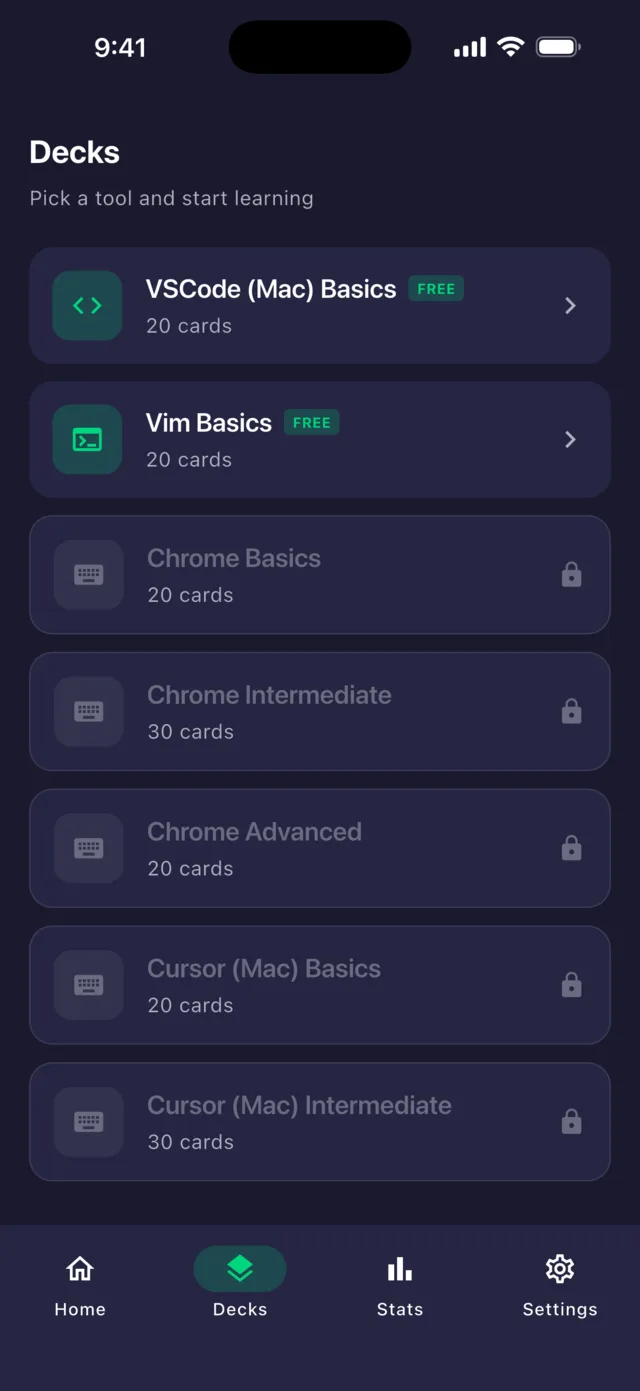
- 1Pick
Choose the tools you use
Every tool has Basics, Intermediate and Advanced decks. Start with the everyday keys and work up to the ones that set you apart.
- 2Answer
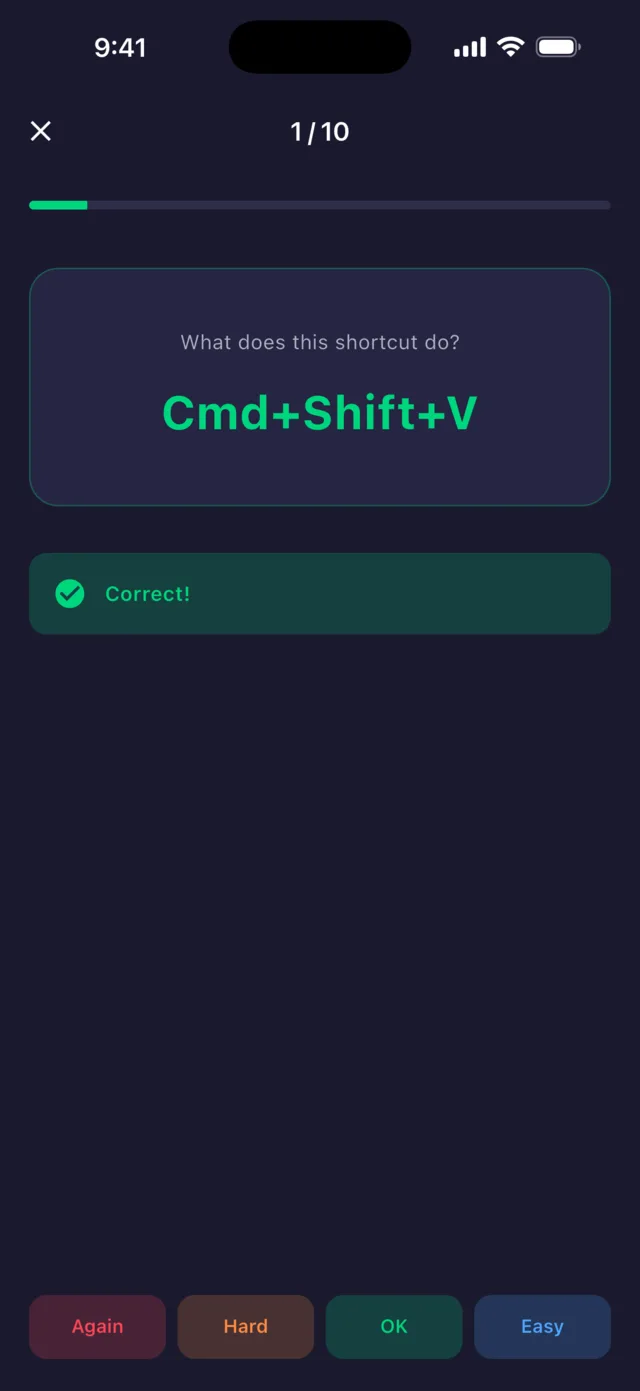
Answer, then rate how well you knew it
See the keys, pick what they do. Then rate it Again, Hard, OK or Easy — FSRS uses that to schedule the card's next review.
- 3Keep going
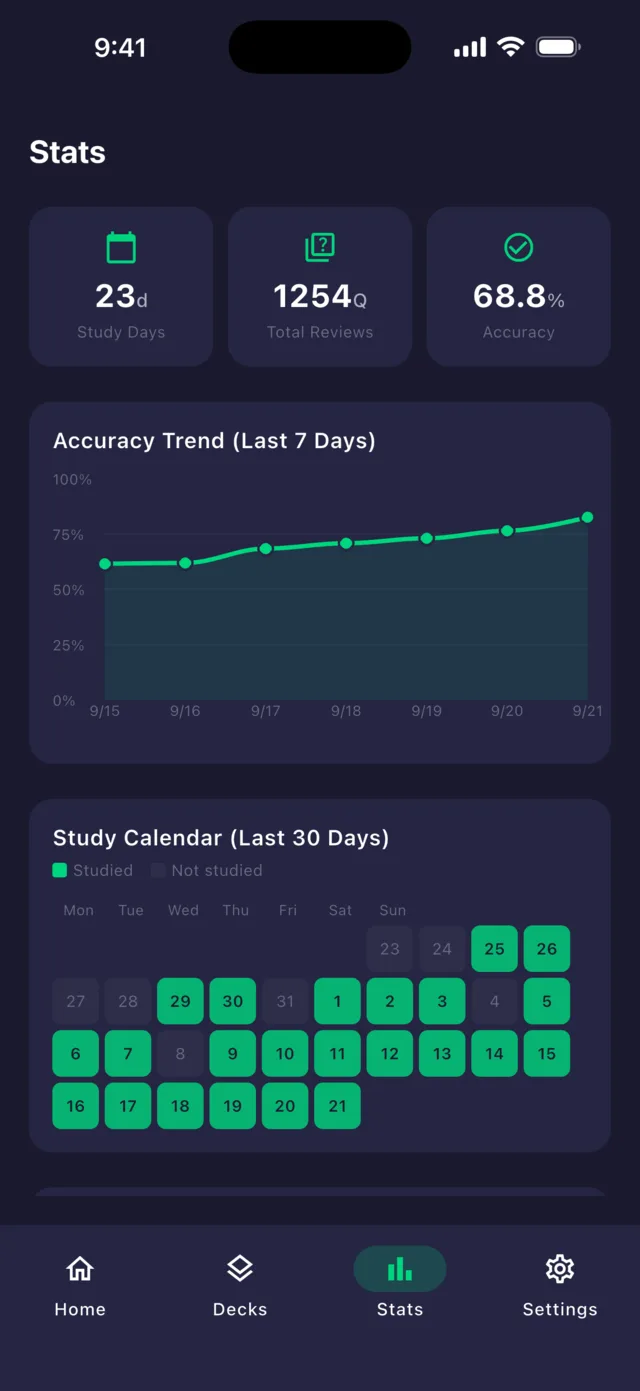
Watch your progress add up
Streaks, accuracy trends, a study calendar and your top 5 weak shortcuts — seeing progress is what keeps you coming back.
Tools
15 tools, 1,050 shortcuts
Basics, Intermediate and Advanced for every tool. One purchase unlocks all three levels.
Editors & IDEs
- VSCode (Mac)Basics free
- VSCode (Windows)
- VimBasics free
- Cursor
- IntelliJ IDEA
- Xcode
Developer tools
- Terminal
- GitHub
- Chrome
Design
- Figma
Productivity
- Notion
- Slack
- Obsidian
- Excel (Mac)
- Excel (Windows)
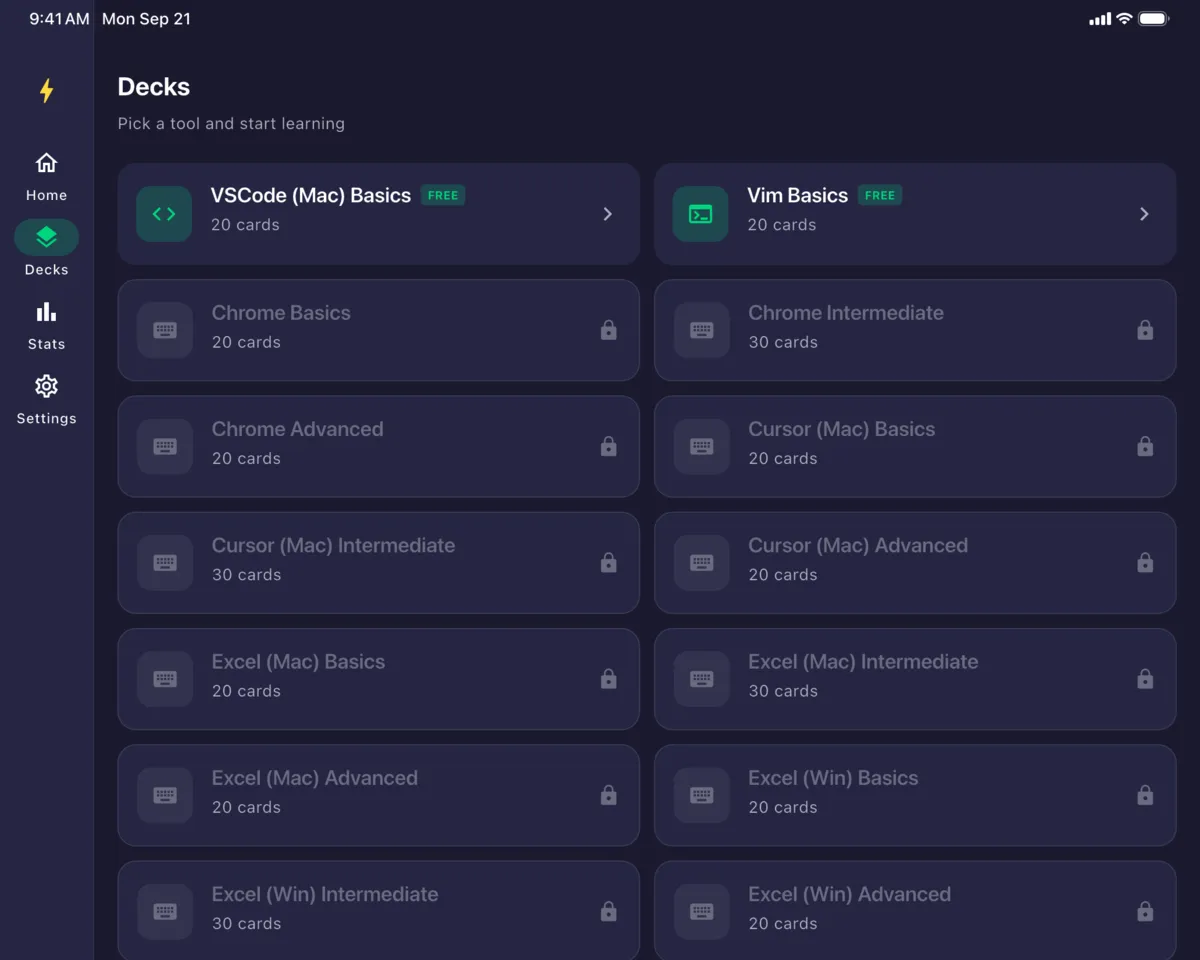
Made for iPad, too
Browse decks in two columns and see all your stats at a glance on the big screen.
Pricing
Start free. Pay only for what you use.
Free
Includes ads
Free
- VSCode (Mac) & Vim Basics (20 each)
- Study history & stats
- Streaks
Tool unlock
One-time purchase, yours forever
One-timeper tool
- All 3 levels of a tool (70 shortcuts)
- VSCode (Mac) & Vim: Intermediate + Advanced (50)
- Only buy the tools you use
Pro
For the full library
Monthlysubscription
- All 15 tools, 1,050 shortcuts
- Custom decks
- No ads
Prices vary by country — see the App Store for yours.
Blog
Shortcut guides & tips
Excel Shortcuts: Windows vs Mac, and Why Cmd to Ctrl Is Not Enough
Excel is the app where Mac and Windows keyboard shortcuts diverge most. AutoSum, AutoFilter, selecting visible cells, absolute references — plus the keys that do something completely different on the other platform.
Chrome Keyboard Shortcuts for Mac and Windows: Tabs, Search and the Address Bar
Google Chrome keyboard shortcuts for Mac and Windows, grouped into Basics, Intermediate and Advanced. Tab switching, reopening a closed tab, the address bar, find in page, zoom and more.
Notion Keyboard Shortcuts and Slash Commands: Write Without Reaching for the Mouse
Notion keyboard shortcuts for Mac and Windows: page navigation, text formatting, block editing, every slash command worth knowing, and the Cmd + Option number keys that convert a block in one press.
FAQ
Frequently asked questions
Is it really free?
Yes. The VSCode (Mac) and Vim Basics decks (20 shortcuts each) are free, along with your study history and stats. The free version shows ads.
What's the difference between a tool unlock and Pro?
A tool unlock is a one-time purchase that gives you all levels of one tool forever. Pro is a monthly subscription that unlocks all 15 tools, adds custom decks and removes ads.
Can I learn Windows shortcuts?
VSCode and Excel have both Mac and Windows decks. Other tools use Mac key notation (⌘, Opt and so on).
Does it work on iPad?
Yes. The layout is designed for the larger iPad screen.
Is my progress synced?
Your study progress is stored on your device. Purchased decks and Pro can be restored on another device signed in with the same Apple ID via Settings → Restore Purchases.
Five minutes a day, starting today.
Start with the free VSCode (Mac) and Vim Basics.
Download free on the App Store