Make Shortcutsa Habit.
VSCode, Vim, IntelliJ…
Learn keyboard shortcutsthe fun waywith this iOS app
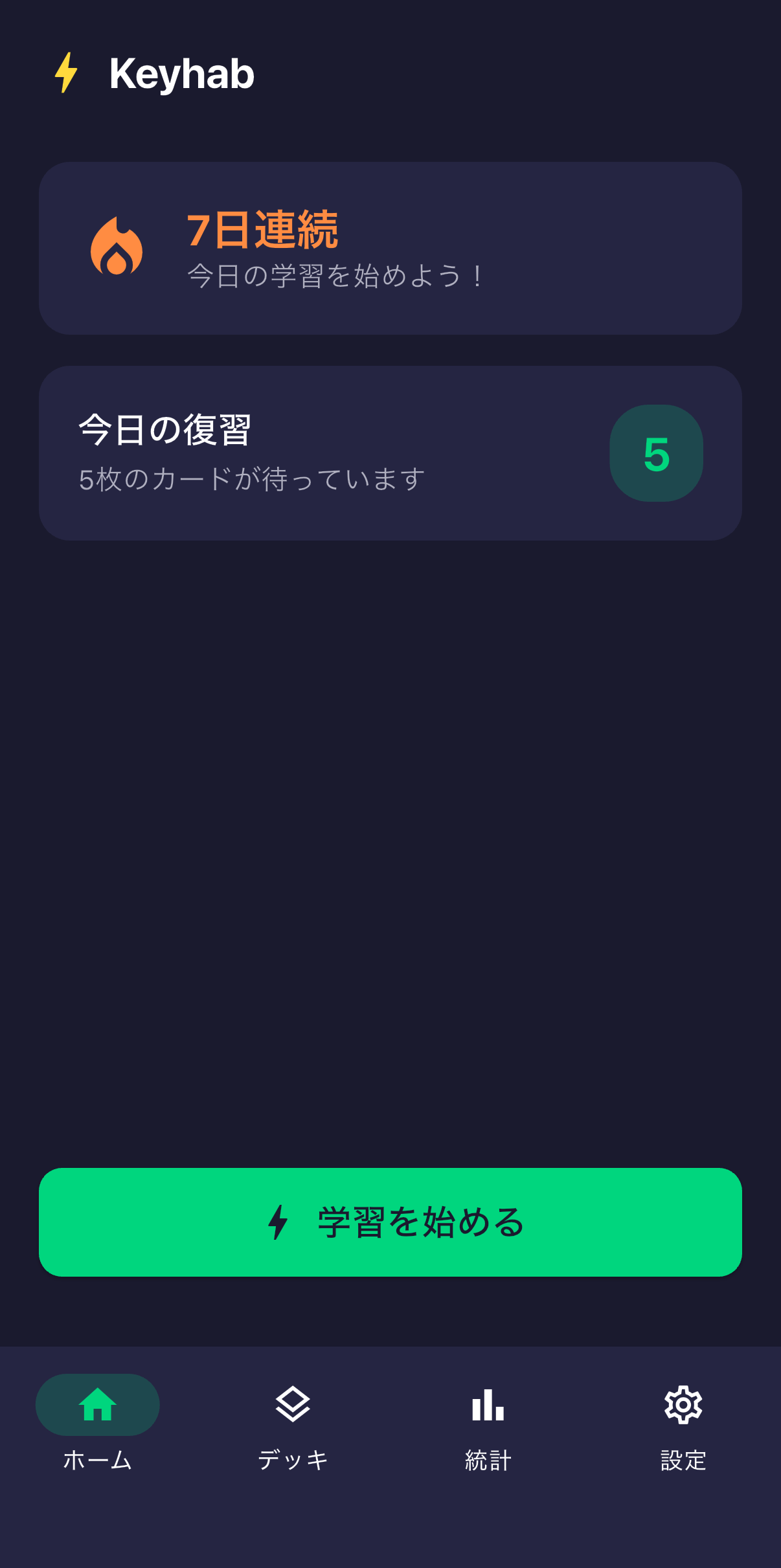
Learn Shortcuts, the Fun Way
3 ways to make shortcuts stick
🎯
5-minute daily quizzes
Shortcut → action, action → shortcut. Bidirectional quizzes that build real recall, not just recognition.
🧠
Spaced Repetition (SRS)
Same algorithm as Anki. Weak shortcuts repeat often, strong ones are spaced out for efficient memorization.
⚡
8 tools, 160 shortcuts
VSCode, Vim, IntelliJ, Figma, Chrome, Xcode, Terminal covered. Streak feature keeps you motivated.
Supported Tools
We've got your tools covered
💙VSCode
💚Vim
🟠IntelliJ
🎨Figma
🌐Chrome
🔨Xcode
🖥️Terminal
🎉 VSCode + Vim decks are completely free
Pricing
Start for free
Free
¥0
With ads
- ✓VSCode + Vim basic decks
- ✓SRS (spaced repetition) learning
- ✓Basic statistics
Deck Add-on
¥160/deck
Buy per tool
- ✓IntelliJ / Figma / Chrome etc.
- ✓Pick only the tools you need
- ✓One-time purchase, yours forever
Pro
¥480/mo
Unlock everything
- ✓All decks unlimited
- ✓Detailed stats & analysis
- ✓Custom deck creation
- ✓Ad-free
Frequently Asked Questions
FAQ
- Q.Is it really free?
- Yes. VSCode + Vim decks are completely free. Ads are shown, but there are no limits on learning features.
- Q.What about other tools?
- IntelliJ, Figma, Chrome and more can be added for ¥160 each. The Pro plan (¥480/month) unlocks all decks.
- Q.Is my data synced?
- In v1, data is stored locally. If you change devices, you can restore your purchase status using the restore feature.
- Q.Are Windows shortcuts supported?
- We have a VSCode Windows deck. More tools for Windows are planned for future updates.